What you'll learn
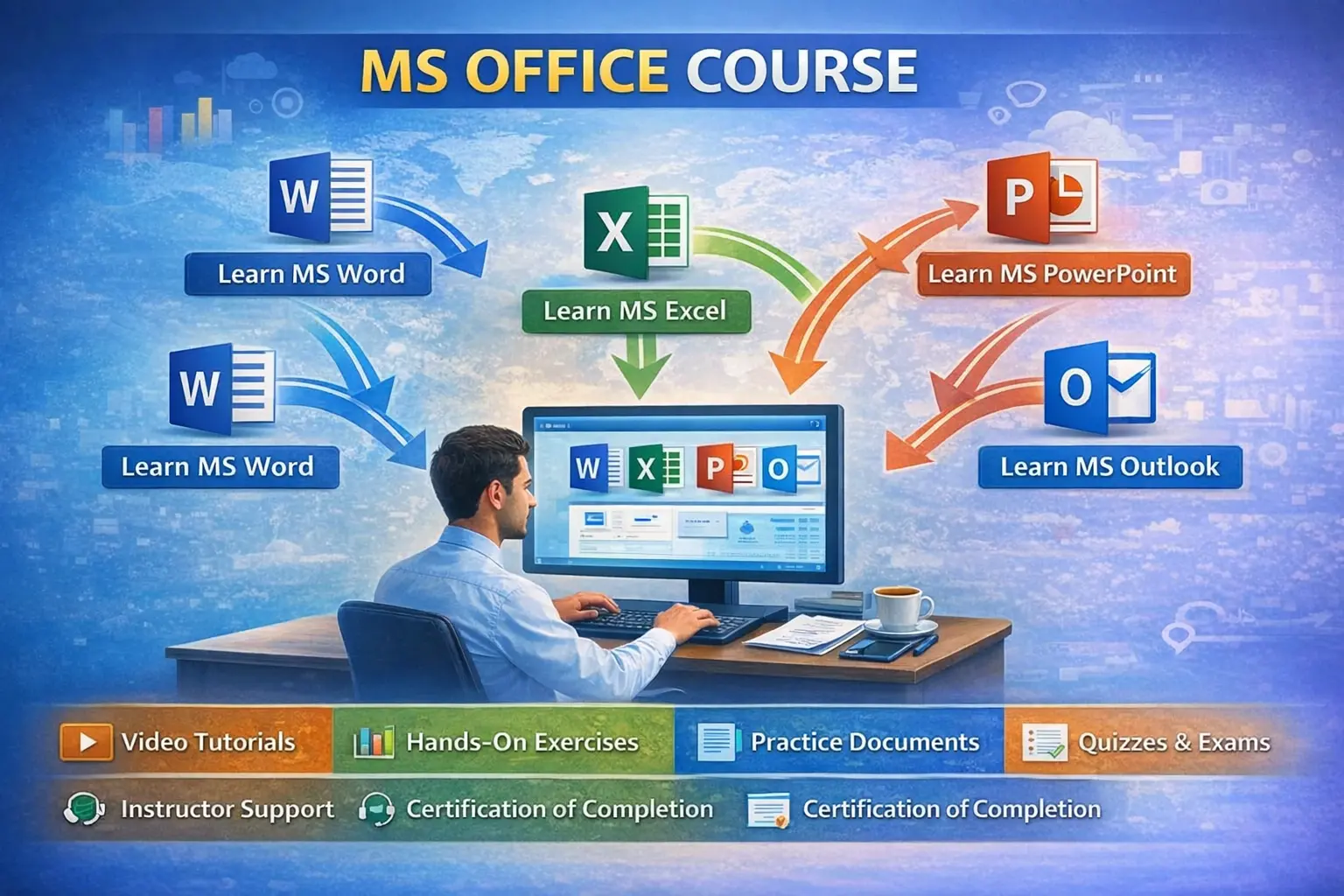
MS OFFICE COURSE (3 MONTHS)
Course Description
The 3-Month MS Office Course is designed to provide complete practical knowledge of office applications required for day-to-day office work.
This course helps students, job seekers, and professionals gain skills in document creation, data management, presentations, email, and internet usage.
After completion, learners can confidently work in offices, schools, banks, and small businesses.
Course Duration
3 Months (12 Weeks)
• 3–4 days per week
• 1–2 hours per day
Course Syllabus
Month 1: Computer Basics & MS Word
Module 1: Computer Fundamentals (Week 1–2)
- Introduction to Computers
- Hardware & Software
- Types of Computers
- Operating System (Windows)
- File & Folder Management
- Keyboard & Mouse Practice
- Basics of Internet
Module 2: MS Word (Week 3–4)
- Introduction to MS Word
- Creating, Saving & Opening Documents
- Text & Paragraph Formatting
- Page Setup & Printing
- Tables, Images & Shapes
- Headers & Footers
- Resume, Letters & Office Documents
- Mail Merge (Basic)
Month 2: MS Excel
Module 3: MS Excel Basics (Week 5–6)
- Workbook & Worksheet Basics
- Data Entry & Formatting
- Cell Referencing
- Basic Formulas
- SUM, AVERAGE, COUNT, MAX, MIN
Module 4: MS Excel Advanced (Week 7–8)
- IF Function
- VLOOKUP / HLOOKUP (Basic)
- Charts & Graphs
- Sorting & Filtering
- Data Validation
- Practical Worksheets
- Salary Sheet
- Marks Sheet
- Billing Sheet
Month 3: MS PowerPoint & Internet
Module 5: MS PowerPoint (Week 9–10)
- Introduction to PowerPoint
- Creating Slides
- Slide Layouts & Themes
- Images, Charts & SmartArt
- Animations & Transitions
- Professional Presentation Techniques
- Presentation Project
Module 6: Internet & Email (Week 11–12)
- Internet Concepts
- Email Creation & Usage
- Sending Attachments
- Google Drive Basics
- Online Forms
- Job Portals & Online Applications
- Cyber Safety Basics
Mini Project (Final)
- Resume Creation using MS Word
- Excel Project (Salary / Billing / Report)
- PowerPoint Presentation
Eligibility
- 10th / 12th / Graduation
- No prior computer knowledge required
Course Outcomes
After completing this course, students will be able to:
- Work efficiently in office environments
- Create professional documents and reports
- Manage data using Excel
- Prepare effective presentations
- Use email and internet confidently
Career Opportunities
- Office Assistant
- Computer Operator
- Data Entry Executive
- Back Office Executive
- Receptionist

 Bestseller